
Slite vs Confluence: one source of truth for your whole company
Engineering teams pick Confluence for Jira, and the rest of the company follows. Then pages pile up with no owner, search returns the old version, and only engineers keep writing. Move to Slite and keep one source of truth that stays up to date, for your team and the AI tools they use.
Demo buchenWhy scaling teams switch from Confluence to Slite

Find the current page, not the oldest
In a big Confluence space, search often surfaces outdated pages first. Slite Agent gives one answer with its sources. Verified documents rank higher, and Outdated ones are skipped.
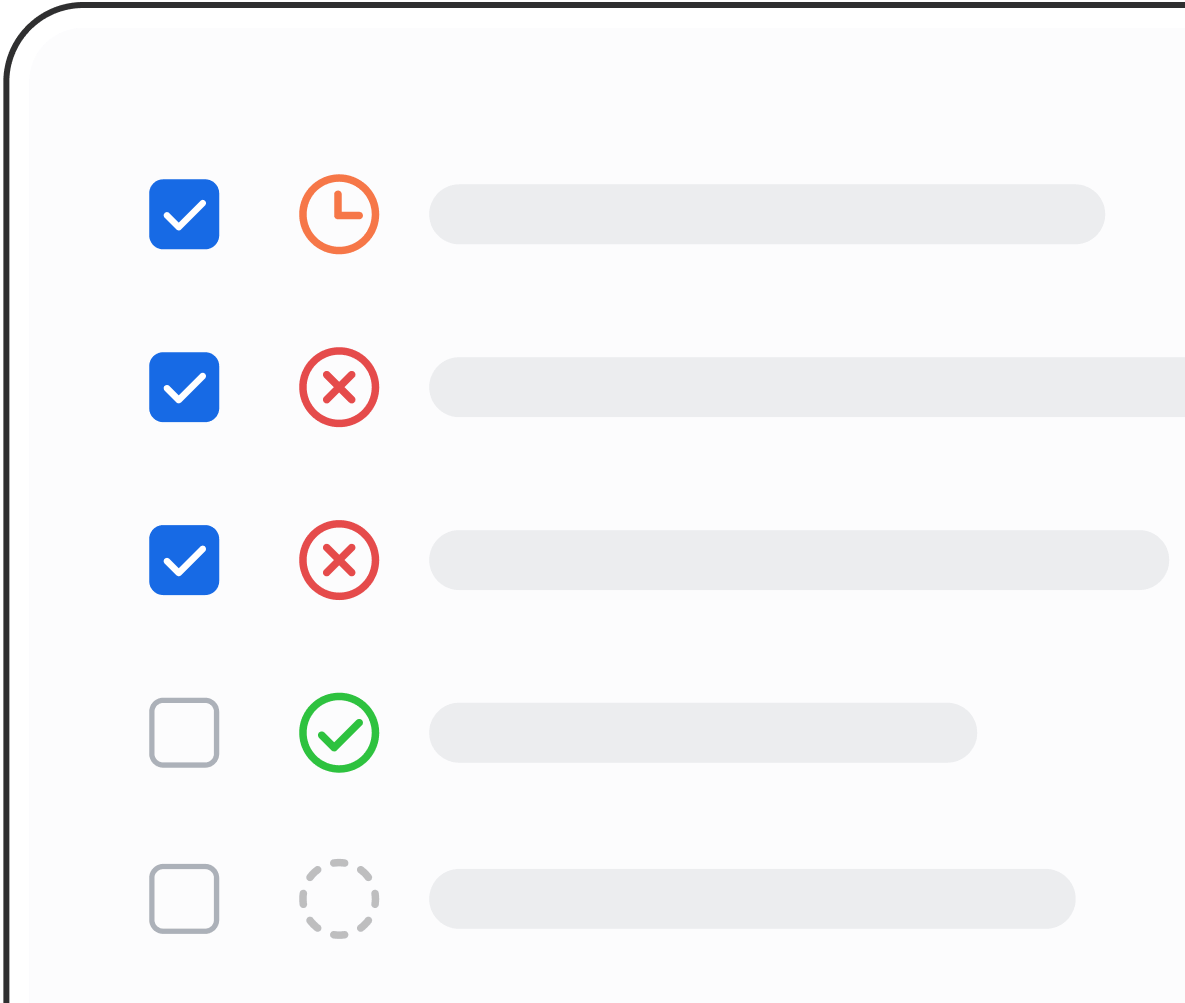
Documentation that stays up to date
Confluence pages go untouched for years, and nobody knows which ones are still right. Slite Agent watches Jira, GitHub, Linear and Slack, finds the documents a change affects and drafts the update. The owner approves it in one click.
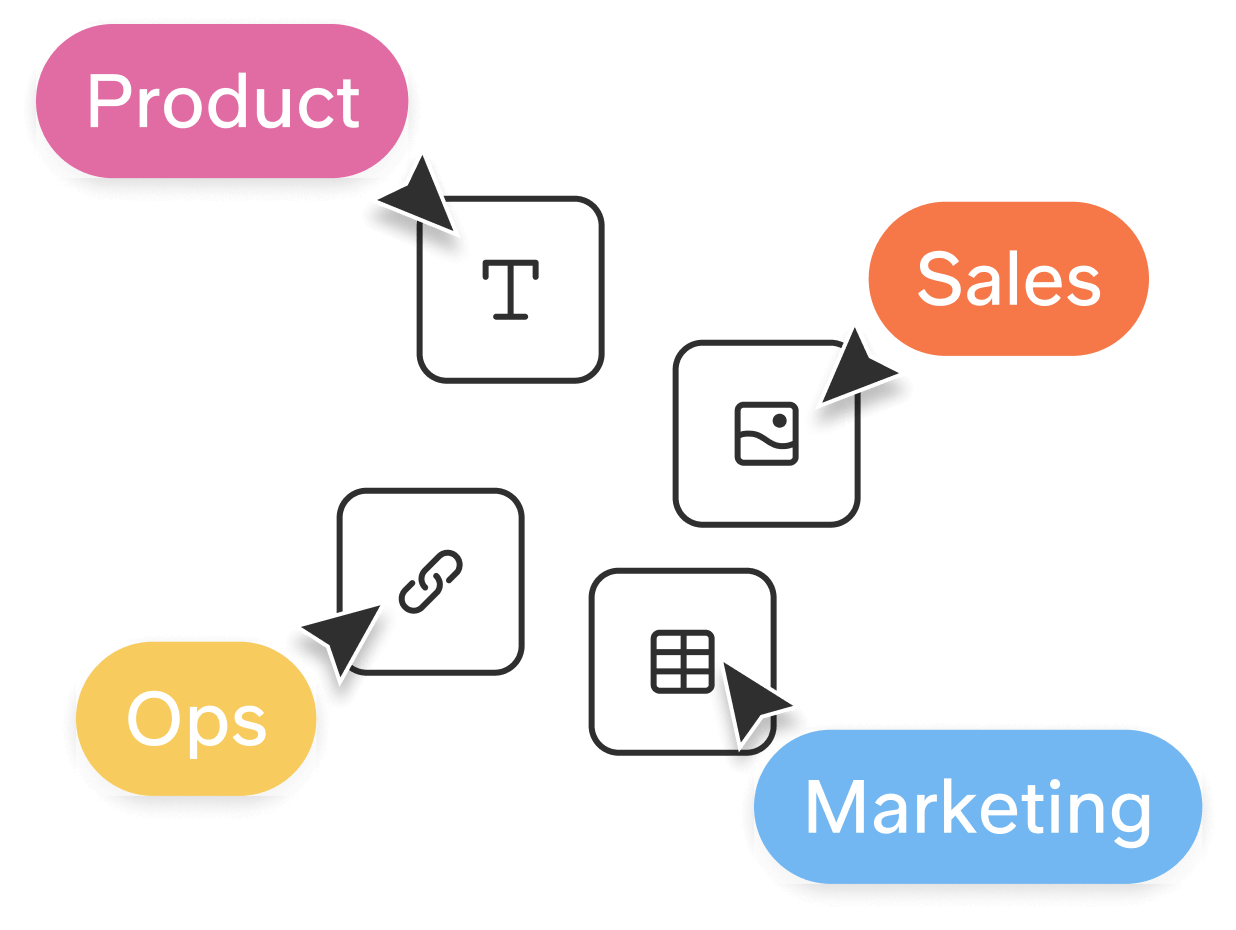
Easy enough for the whole company
Confluence often stays an engineering tool, and sales or HR stop using it. Slite's editor is simple enough that anyone can write and update documentation. At Upvest, 100% of employees use Slite.
Get instant trusted answers, where and when you need them.
Will I get one clear answer, or a list of pages?
One answer. Ask in plain words and Slite Agent answers from your documentation, with links to every source. When it can't find an answer, it says so instead of guessing.

Where can I ask and edit from?
Wherever you work: ChatGPT, Claude and Cursor through MCP, Slack, the Chrome extension, and the desktop and mobile apps. AI tools can also edit your documentation through MCP, and the owner approves the change.

Yes, but how do I know if I can trust the answers?
Every document has an owner and a review cycle. Verified documents rank higher, Slite Agent skips Outdated documents, and every answer shows its sources. Because Slite Agent keeps your documentation up to date, answers come from accurate knowledge.

But the knowledge is scattered all over the tools...
Exactly. On Pro and Enterprise, Slite Agent searches 100+ connected tools, Slack, Google Drive, Jira and Confluence included. People only see answers from what they can already open.

“We switched from Confluence to Slite because Slite is easy to use for the entire company, not just the product team. Now, our entire company writes and organizes content in Slite.”

Sounds great, but I have a few questions...

What if our engineers still want Jira?
Keep Jira. Paste a Jira issue link into any document and it becomes a live preview that stays in sync. On Pro and Enterprise, Slite Agent also reads Jira and drafts documentation updates when a ticket ships. Picking Jira for tickets doesn't mean your knowledge has to follow.

Doesn't Confluence have AI now, with Rovo?
It does. Rovo comes with every paid Confluence plan, with a monthly credit allowance per user (25 on Standard). The difference is what the answers are built on. In Slite, every document has an owner and a review cycle, Slite Agent skips Outdated documents when it searches, and it drafts fixes when things change, so fewer documents go out of date.

Do we have to move everything at once?
No. Import your Confluence spaces with their structure, formatting, tables, images and links. On Pro and Enterprise, connect Confluence to Slite Agent while you move, so answers also cover pages you haven't moved yet, with Confluence permissions kept. Then move team by team.

Will non-technical teams actually use it?
Yes. Slite's editor works like a clean document: slash commands, simple formatting, no macros to learn. Slite scores 9.3 for ease of use on G2. At VanMoof, 70% of the team was using Slite within two months.
Powerful, but too complex for your whole company.
Confluence has a Verified label, Rovo AI and search across tools. What it doesn't do is keep pages up to date for you. In Slite, Slite Agent drafts the update and the owner approves it, and every plan gets documentation health tools.
Passt zu mirVertraut von Teams wie deinem
75% faster
team onboarding
Alle im Team haben sich schnell an Slite gewöhnt und nutzen es aktiv. Die Software ist sehr intuitiv und wird regelmäßig mit tollen Updates versorgt!

Daniel Hanemann
CEO & Gründer bei Wundertax
Slite hat uns geholfen, Eskalationszeiten deutlich zu reduzieren, indem unsere Dokumentation leicht auffindbar, immer aktuell und für alle zugänglich ist. Es ist zur einzigen Wissensquelle für unser Unternehmen geworden.

Miguel Herrero
Product Manager bei PVCase
3x more
productive team meeting
Unser Team ist im letzten Jahr von 250 auf über 700 Personen gewachsen, verteilt auf verschiedene Standorte. Slite unterstützt unser schnelles Wachstum, indem es uns einen strukturierten Ort gibt, an den wir Leute bei Fragen verweisen können.

Josselin Raguenet de Saint Albin
Head of Customer Service bei Meero
Slite hat unsere Wissensverwaltung revolutioniert. Es ist die perfekte Balance zwischen Einfachheit und Leistungsfähigkeit – intuitiv genug für alle, aber robust genug für all unsere Dokumentationsanforderungen.

Thomas D'Hoe
Chief Operating Officer bei Premium Plus
90% fewer
repeated questions
Häufig gestellte Fragen
How do Slite and Confluence differ for search across many pages?
In Confluence, search returns a list of pages, often old ones first. In Slite, you ask a question and Slite Agent answers with its sources. Links between documents survive moves and renames, and each document shows what links to it.
Can we keep decision logs and changelogs in Slite?
Yes. Every document keeps its full history, and each change shows who made it, a person or an AI tool, down to the word. You can restore any version, and save any document as a template your team reuses.
Can we draw diagrams inside our documentation?
Yes. Draw sketches or write Mermaid diagrams right in the document, or paste a draw.io, Lucidchart or Miro link to show a live preview.
Do answers respect our permissions?
Yes. Slite checks document permissions in real time. For tools like Slack, Google Drive, Jira and Confluence, people only get answers from what they can open there. For shared sources like GitHub, admins choose who has access.
Can our AI tools use Slite as their source of company knowledge?
Yes. Slite's MCP server gives Claude, ChatGPT, Cursor and other AI tools read and write access, on every plan. Used over MCP, Slite finds 4x better answers up to 8x faster. Changes an AI tool suggests go to the document owner first.
We're on Confluence Data Center. Is Slite an option?
Yes, if a cloud tool works for you. Atlassian stopped selling new Data Center licenses on 30 Mar 2026 and ends support on 28 Mar 2029. Slite is cloud only, hosted in the EU. If you need to host it yourself, Slite isn't the right fit.
Verlockend, aber niemand hat Zeit, alle docs zu migrieren...
Wir verstehen, dass der Wechsel von Tools schmerzhaft sein kann. Aber mit unseren Self-Service-Importtools kann die Migration Ihrer docs von Confluence zu Slite Minuten statt Tage dauern.
Für Teams mit mehr als 50 Personen übernehmen unsere Experten die Migration gemeinsam mit Ihnen.