
Resumen
Slack is where most teams already spend their day. With Slite you can search and share docs from Slack, ask questions with the @Slite bot and get doc notifications in your channels, and connect Slack as a source so Slite can answer from your messages and threads, like the answer someone already gave three weeks ago.
Cómo funciona
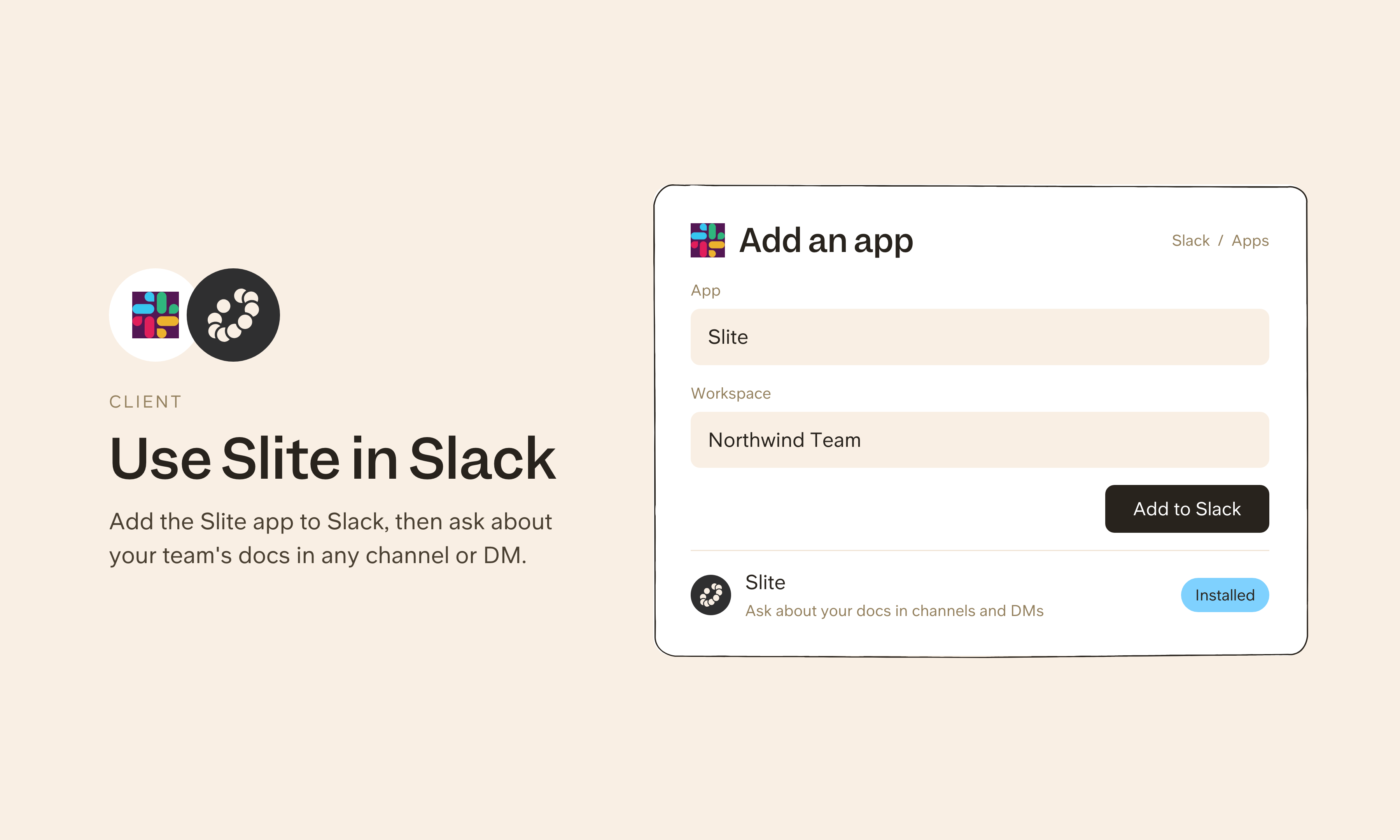
To use Slite from Slack, connect Slack from Agent sources in Slite (the app isn't listed in the Slack Marketplace, so it installs from Slite). Mention @Slite or send it a direct message to ask your knowledge base, share Slite docs as previews or PDFs, get doc update notifications, and sync Slite channels with Slack channels.
To use Slack as a source, add it from Agent sources in Slite's settings and pick the public and private channels to sync. Slite can then answer from your messages and threads. Synced public channels can answer anyone linked to Slack by email, while private channels only answer their members.
Need help setting up your Slack integration with Slite? Read the Slack integration guide or contact support.
🔒 We take privacy seriously. Slite is SOC 2 Type II certified, GDPR and HIPAA compliant, with all data encrypted in transit and at rest on EU-based infrastructure. Your data is never used to train, nor retained by, third-party LLMs. See our security page for more information.