Overview
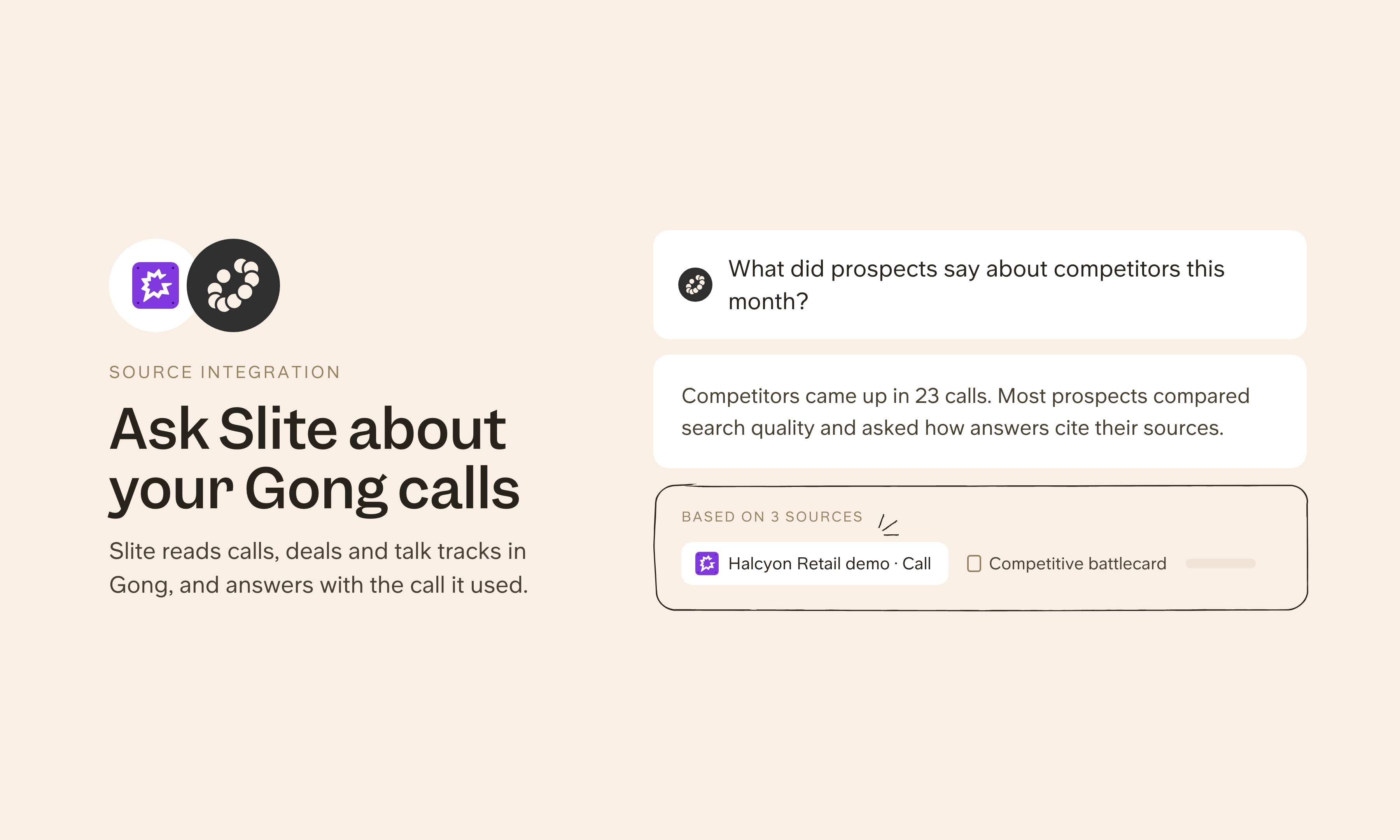
Gong records and analyzes sales calls so revenue teams can see what's happening in their deals. Connect Gong as a source and Slite can ask Gong about a CRM account or deal and get briefs on accounts, deals and contacts, built from the calls and emails linked to them, next to your sales playbooks and battlecards. Reps and managers can see blockers, stakeholders, risks and next steps before a call without combing through recordings. Gong returns summaries, not raw transcripts, and leaves out private calls.
How it works
Your Gong admin sets up access first, then you add Gong under Agent sources in Slite's settings with the server URL https://mcp.gong.io/mcp. Each person connecting needs a paid Gong seat. Slite can then answer about your accounts, deals and contacts. An admin can share the connection with the whole workspace, or each person can connect their own account.
Need help setting up your Gong integration with Slite? contact support .
🔒 We take privacy seriously. Slite is SOC 2 Type II certified, GDPR and HIPAA compliant, with all data encrypted in transit and at rest on EU-based infrastructure. Your data is never used to train, nor retained by, third-party LLMs. See our security page for more information.