
Überblick
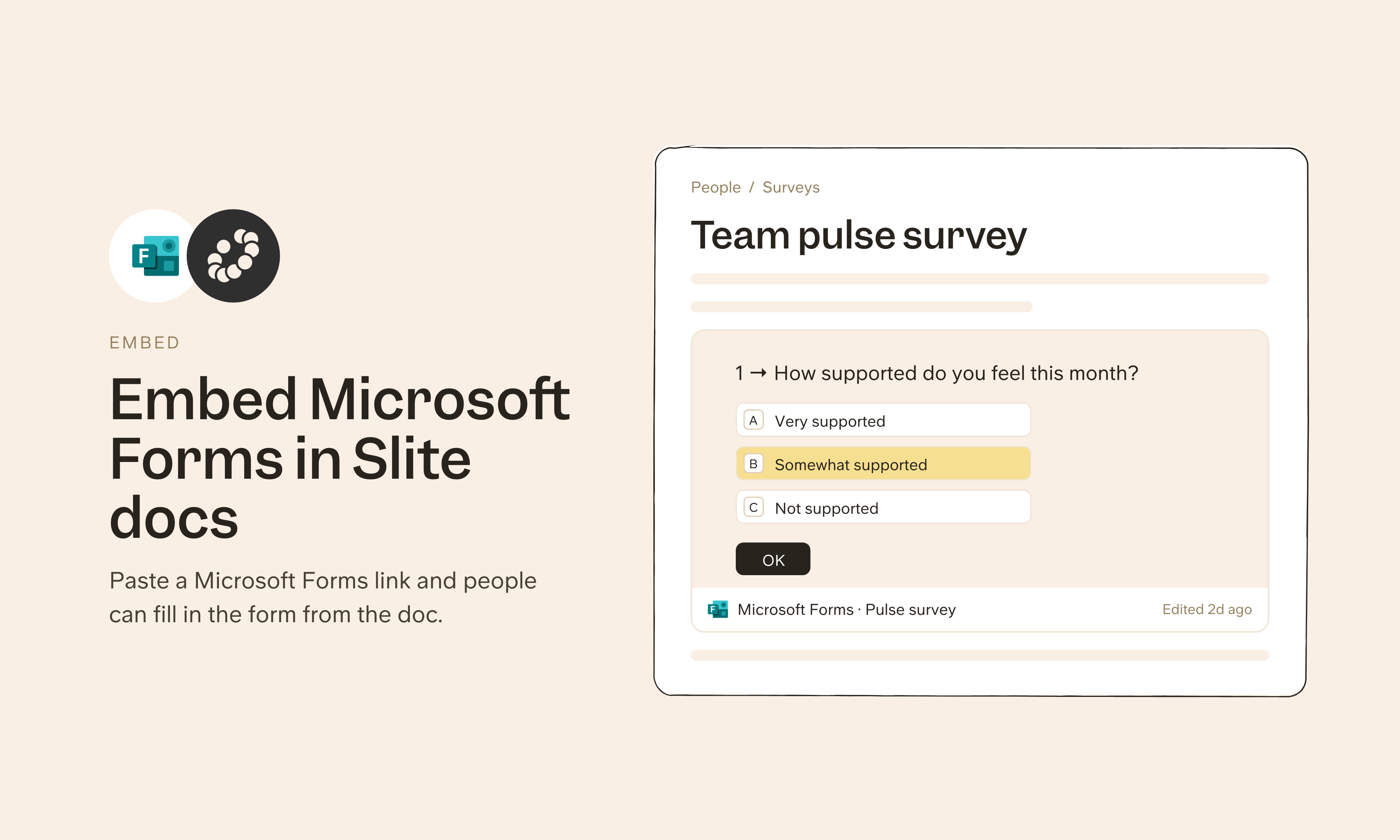
Microsoft Forms is the survey and quiz tool many teams use across Microsoft 365. The Slite integration embeds forms in your docs, so onboarding pages, HR processes and internal surveys collect responses on the same page as the context, and readers don't have to click away to answer.
So funktioniert's
Copy the embed code from your Microsoft Form and paste it into your Slite doc, or type /embed to insert the form link. The form appears inline, ready for your team to view or fill out. Check your form's sharing and response settings before you embed it, since anyone with the link can submit.
Need help setting up your Microsoft Forms integration with Slite? Contact support .
We take privacy seriously. Slite is SOC 2 Type II certified, GDPR and HIPAA compliant, with all data encrypted in transit and at rest on EU-based infrastructure. Your data is never used to train, nor retained by, third-party LLMs. See our security page for more information.